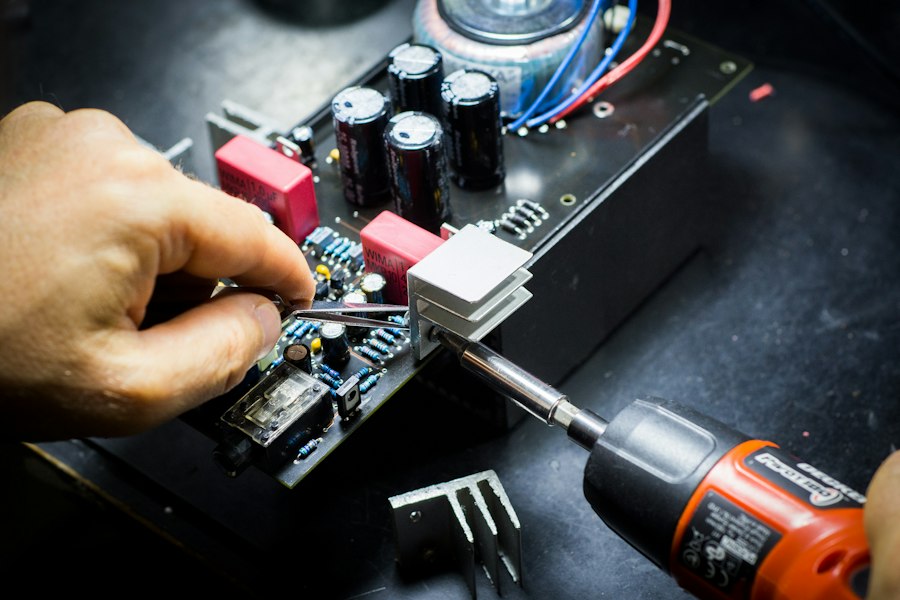
Your laptop is one of your most important tools. With a few simple habits, you can keep it running fast and extend its lifespan by years.
1. Keep It Clean
Dust buildup is the number one cause of overheating. Clean your vents with compressed air every 3–6 months. Wipe the screen with a microfibre cloth weekly.
2. Manage Your Battery
Avoid leaving your laptop plugged in at 100% all day. Keep battery between 20–80% for maximum longevity. If storing for long periods, charge to 50%.
3. Don't Block the Vents
Never use your laptop on a bed or sofa — it blocks the vents. Use a lap desk or flat hard surface to ensure proper airflow.
4. Update Software Regularly
OS updates include security patches and performance improvements. Enable automatic updates and restart your laptop at least weekly.
5. Back Up Your Data
Use an external drive or cloud backup service. Hard drives fail without warning — your data is irreplaceable even if the hardware isn't.
Need professional help?
Get Free Quote